Fix camera shake that stabilizers can't
Warp Stabilizer and the stabilizers in Resolve and Final Cut Pro are good at smoothing gentle movement. They cannot rescue a camera that jerks around. Those seconds need to be cut. Shakefree finds them for you.
Smooth wobble and chaotic shake
There are two kinds of camera movement you do not want.
- Smooth wobble. A handheld shot drifts a little, a gimbal sways, a walk bobs up and down. The picture stays sharp. A stabilizer tracks the image, moves and crops each frame, and the shot looks steady. This is what stabilizers are for.
- Chaotic shake. The camera whips to a new subject, bumps into someone, or the shooter runs to the next spot without pressing stop. The movement goes in several directions at once and every frame is smeared with motion blur.
A stabilizer cannot fix chaotic shake. The blur is baked into the frames, so there is no sharp image to recover. The tracker loses its points, and the result warps, jitters or crops in so far that the shot is unusable. The wobbly, jelly-like look a stabilizer sometimes leaves behind comes from exactly these moments.
The honest fix is to cut those seconds. That is what an editor does by hand: scrub through every clip, find each shake, set an in and an out point, delete, ripple. Shakefree does the finding.
What that costs by hand
A 4-hour wedding reception. 3 cameras. 238 clips. 7 hours of footage. Every one of those clips has to be watched to find the shakes before the real edit can start.
On a 3-hour test reel, the Shakefree detector found 243 shakes, which is 486 edit points an editor would otherwise set by hand (the run on YouTube, recorded with the Premiere plugin).
The arithmetic is simple. If Shakefree saves you 15 minutes on an 8-hour editing day, about 3 percent, and your time is worth $20 an hour, that is $5 a day. The monthly plan is $15, so it pays for itself within the first week. The rest of the month is time you get back.
How Shakefree works
- Drop your clips or a Premiere Pro, Resolve or Final Cut Pro project in your browser. The video is read on your computer and never uploaded.
- Review the shakes. Every shake shows in red on the clip's timeline. Play them, and move the sensitivity if you want more or fewer.
- Export the cuts to Adobe Premiere Pro, DaVinci Resolve or Final Cut Pro. Import one file and the shakes are already cut.
Six clips, scanned
Wedding and documentary footage, each one long continuous shot where the shooter kept recording while moving.
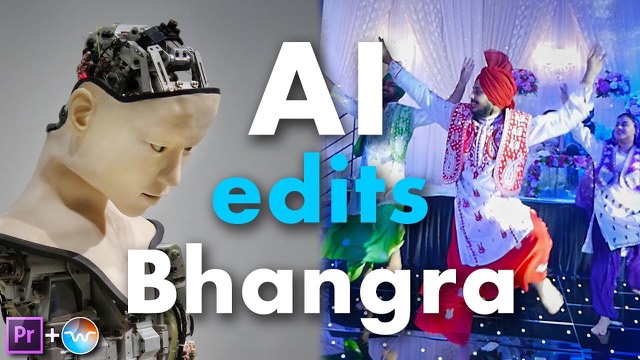
Bhangra dance at a reception 6:02
One continuous glide cam shot of a six-minute dance routine. The shooter kept recording while resting between moves.
1 clip, 10 shakes, 16 percent of it shaky. Watch the clip on YouTube

Guest introductions at a reception 6:02
The shooter hurried from spot to spot to catch each guest as they were introduced. Guests never wait for the camera.
1 clip, 17 shakes, 35 percent of it shaky. Watch the clip on YouTube
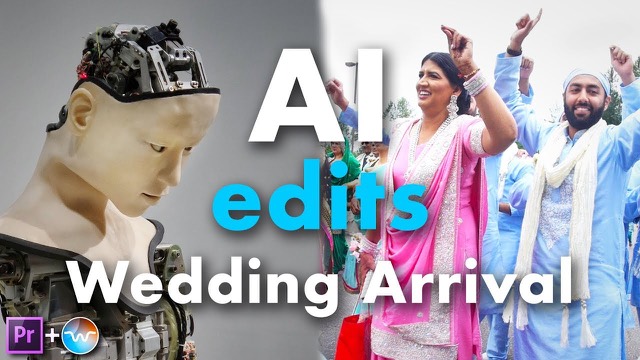
Arrival at the temple, Indian wedding 6:09
One glide cam shot of a wedding arrival. The shooter kept recording while moving ahead of the people walking.
1 clip, 16 shakes, 41 percent of it shaky. Watch the clip on YouTube
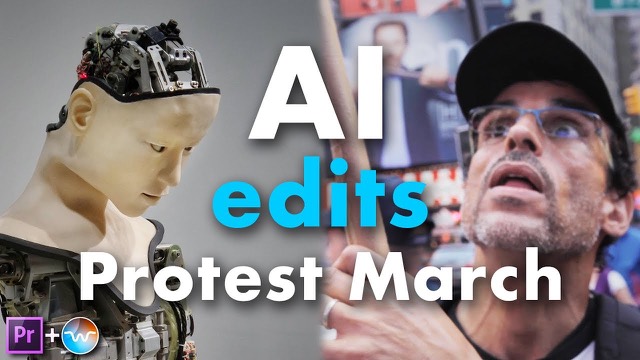
Protest march in Times Square, New York 2:52
One glide cam shot of a march. The shooter kept recording while running ahead to the next position.
1 clip, 9 shakes, 35 percent of it shaky. Watch the clip on YouTube

Police arrest a protester 1:27
The shooter kept recording while moving to find a usable angle on a critical moment. Typical of unscripted documentary work.
1 clip, 5 shakes, 60 percent of it shaky. Watch the clip on YouTube
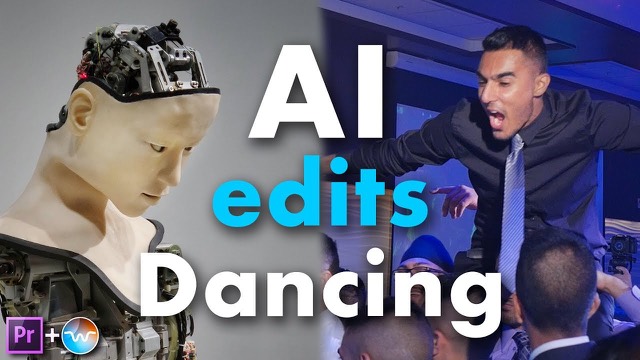
Dancing at an Indian wedding 3:57
Chaotic dancing filmed on a monopod in one shot. Special moments happen anywhere on the floor, so the shooter never pressed pause.
1 clip, 5 shakes, 13 percent of it shaky. Watch the clip on YouTube
Shake counts from the Shakefree Premiere plugin on the same clips, published on wobbleai.com in 2020. The web app uses a newer version of the same detector, so a scan today can differ by a shake or two.
Questions
What counts as a shake?
A stretch of time where the camera angle moves in many directions, erratically. A slow pan, a smooth glide or a steady handheld drift is not a shake. You can move the sensitivity to find more or fewer.
Does Shakefree stabilize your video?
No. It finds the shaky parts and cuts them, in your editor or in a cleaned MP4. Stabilize what is left in your editor as usual.
When is the detection less accurate?
When most of the frame is out of focus. With 90 percent or more of the shot in bokeh (the soft, blurred part of an image outside the focus), there are few edges and details to follow, and shakes can be missed.
What is ripple?
Ripple closes the gap a cut leaves, so the rest of the timeline moves up. Turn it off to keep the gaps and every later clip where it was.
Does your video get uploaded?
No. Your browser reads the video and sends only the motion data it extracts. The privacy policy lists everything we receive.
Free to scan. Export from $15. A 3-hour pack for $15 once, or unlimited for $15 a month. See pricing.
The app shows the current price before you pay.